Settings at a glance
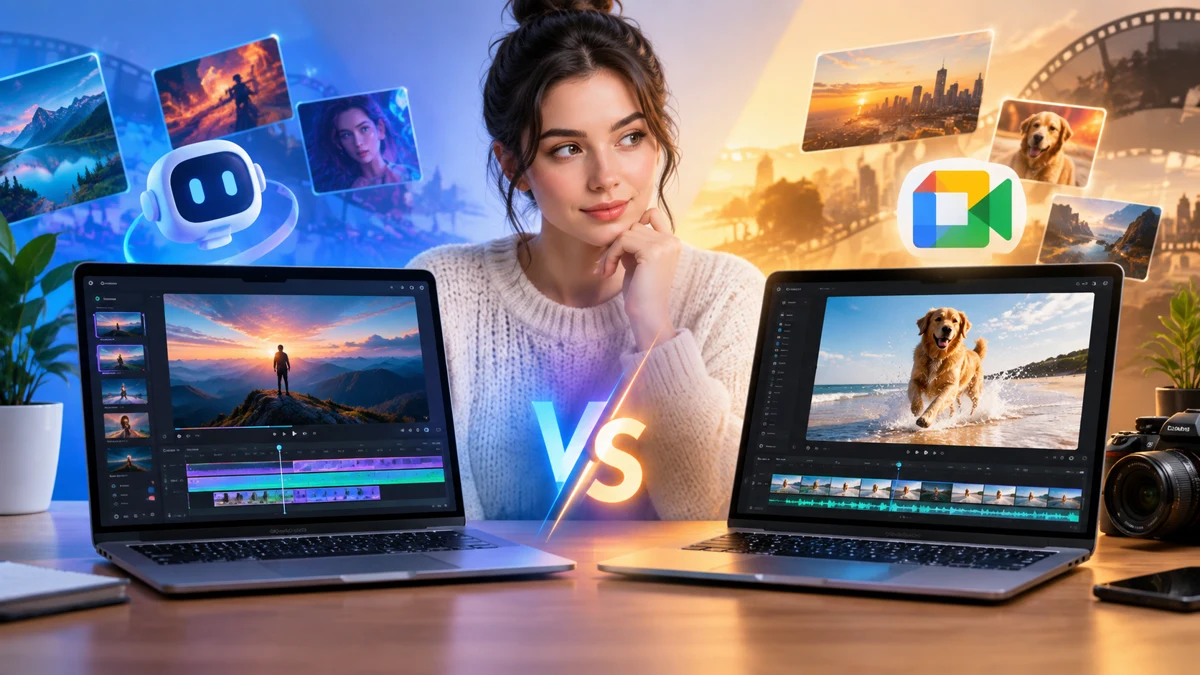
Seedance 2.5 and MiniMax H3 are listed as video options on SeaDance. Their settings and credit estimates differ. Neither currently generates videos on SeaDance. This comparison helps you review the listed choices and plan a scene without making claims about model quality.
Listed resolutions
Seedance 2.5 lists 480p, 720p and 1080p. MiniMax H3 lists 768P and 2K. These are settings to review rather than a promise of available video generation. A higher resolution label alone does not tell you how well a model handles your scene.
Compare credit estimates
Duration and resolution affect credit estimates. Review the displayed amount for each combination you are considering and keep your scene length consistent. New accounts start with 0 credits; the pricing page explains credit plans and billing periods.
Choose an available video tool
For video generation, use Seedance 2.0 Mini in Text to Video mode. Enter a prompt of 3–20,000 characters and choose 480p or 720p. Mini creates one 16:9 video per request, lasting 4–15 seconds, with credits deducted per video.