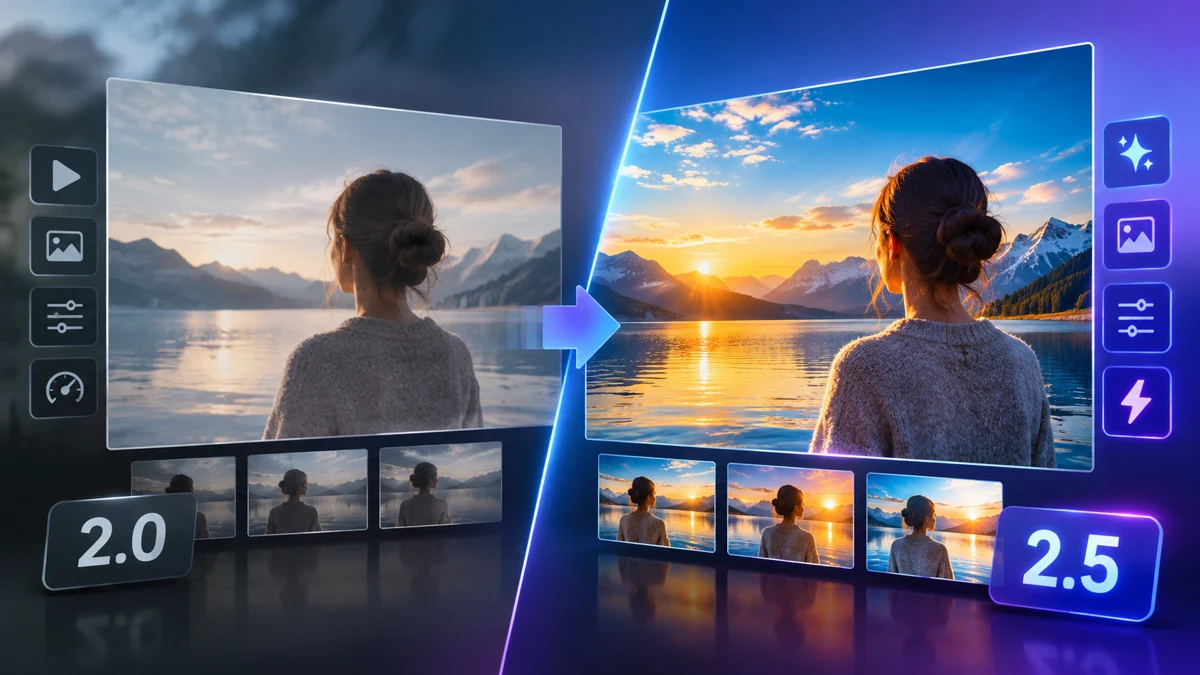
What you can compare
Seedance 2.5 and Seedance 2.0 each have settings pages on SeaDance. Both list 480p, 720p and 1080p choices. Neither model currently generates videos on SeaDance, so this guide compares listed settings and credits without ranking video quality or generation speed.
Duration and resolution
Start with the length of the scene you want to plan, then review resolution choices. Longer durations and higher resolutions change credit estimates. Use the same duration and resolution for each option to make the displayed estimates easier to compare.
Prompt planning
Write a subject, a setting and one main action. Add camera movement only when it helps explain the shot. Keep the same prompt when comparing settings so that changes in wording do not distract from the choices you are reviewing.
Generate with the available option
Seedance 2.0 Mini is the available text-to-video option. It creates one 16:9 video per request at 480p or 720p, lasting 4–15 seconds. New accounts start with 0 credits. Review the per-video credit estimate for your chosen duration before generating.