Compare model settings
Explore Reference to Video AI settings and plan a scene description. This option is not currently available for generation on SeaDance.
Review the settings and credit estimates for this option. Video generation is available with Seedance 2.0 Mini in Text to Video mode.
Explore Reference to Video AI settings and plan a scene description. This option is not currently available for generation on SeaDance.
Describe a clear subject, setting and one main action. A focused prompt makes it easier to discuss your idea and refine the wording.
Review resolution and duration choices alongside credit estimates. A listed setting does not mean the selected tool is available for generation.
To generate a video now, choose Seedance 2.0 Mini in Text to Video mode. It creates one 16:9 video per request at 480p or 720p for 4–15 seconds.
New accounts start with 0 credits. Mini video credits depend on duration and resolution; check the estimate before you submit a request.
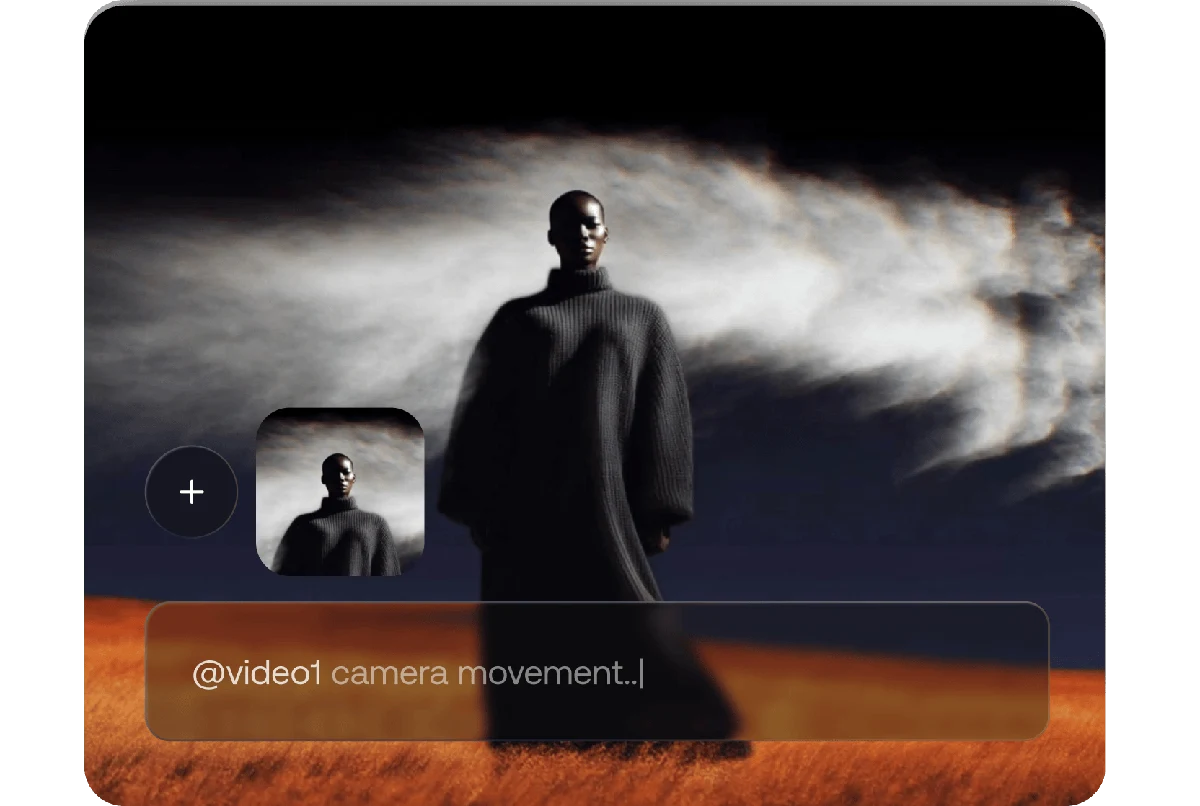
Explore Reference to Video AI settings and plan a scene description. This option is not currently available for generation on SeaDance.
Explore plansReview resolution and duration choices alongside credit estimates. A listed setting does not mean the selected tool is available for generation.
Explore plansTo generate a video now, choose Seedance 2.0 Mini in Text to Video mode. It creates one 16:9 video per request at 480p or 720p for 4–15 seconds.
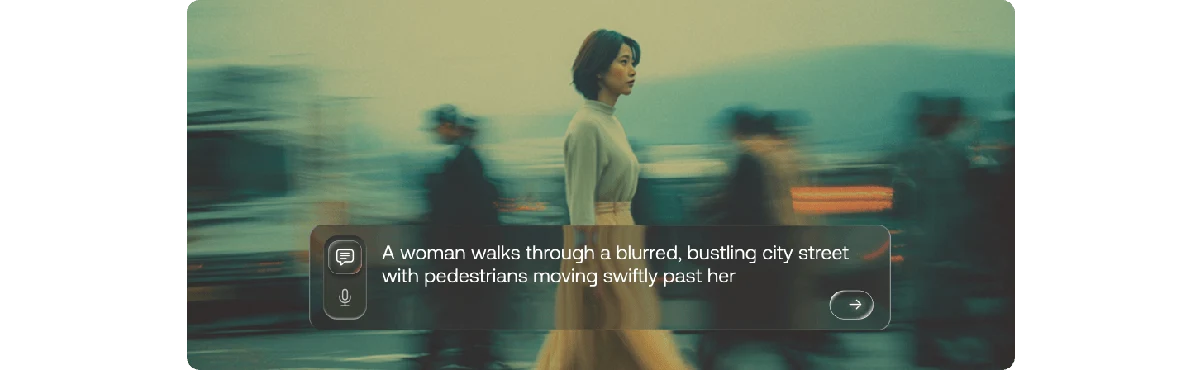
New accounts start with 0 credits. Mini video credits depend on duration and resolution; check the estimate before you submit a request.
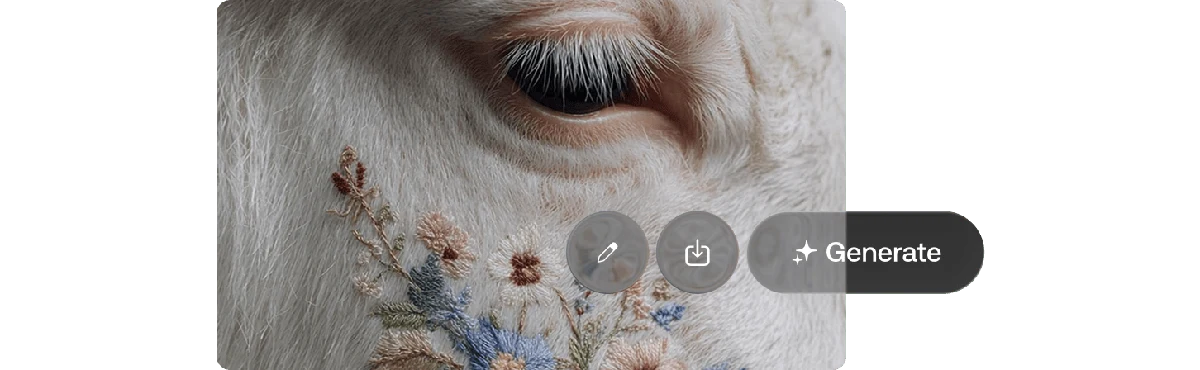
Explore Reference to Video AI settings and plan a scene description. This option is not currently available for generation on SeaDance.
Describe a clear subject, setting and one main action. A focused prompt makes it easier to discuss your idea and refine the wording.
Explore plansReview resolution and duration choices alongside credit estimates. A listed setting does not mean the selected tool is available for generation.
Explore plansTo generate a video now, choose Seedance 2.0 Mini in Text to Video mode. It creates one 16:9 video per request at 480p or 720p for 4–15 seconds.
New accounts start with 0 credits. Mini video credits depend on duration and resolution; check the estimate before you submit a request.
Explore Reference to Video AI settings and plan a scene description. This option is not currently available for generation on SeaDance.
Describe a clear subject, setting and one main action. A focused prompt makes it easier to discuss your idea and refine the wording.
Review resolution and duration choices alongside credit estimates. A listed setting does not mean the selected tool is available for generation.
To generate a video now, choose Seedance 2.0 Mini in Text to Video mode. It creates one 16:9 video per request at 480p or 720p for 4–15 seconds.
New accounts start with 0 credits. Mini video credits depend on duration and resolution; check the estimate before you submit a request.
Explore Reference to Video AI settings and plan a scene description. This option is not currently available for generation on SeaDance.
Describe a clear subject, setting and one main action. A focused prompt makes it easier to discuss your idea and refine the wording.
Review resolution and duration choices alongside credit estimates. A listed setting does not mean the selected tool is available for generation.
Reference to Video generation is not currently available on SeaDance. The available mode is Seedance 2.0 Mini Text to Video, which uses a written prompt.
Compare the listed settings and credit estimates when planning a project. SeaDance does not publish model quality or speed rankings. Seedance 2.0 Mini is the available text-to-video option.
No reference count is supported for Reference to Video generation on SeaDance at present. Seedance 2.0 Mini accepts text rather than reference files.
SeaDance does not currently offer a choice of generated audio for Seedance 2.0 Mini videos. Sound settings shown for other video options do not indicate audio availability.
No reference-matching result is promised. Reference to Video is unavailable, and the available Seedance 2.0 Mini mode does not use reference images or videos.
There is no available Reference to Video generation to bill on SeaDance. Seedance 2.0 Mini Text to Video charges credits per video according to duration and resolution.
To generate a video now, choose Seedance 2.0 Mini in Text to Video mode. It creates one 16:9 video per request at 480p or 720p for 4–15 seconds.
New accounts start with 0 credits. Mini video credits depend on duration and resolution; check the estimate before you submit a request.