Compare the settings you can actually select
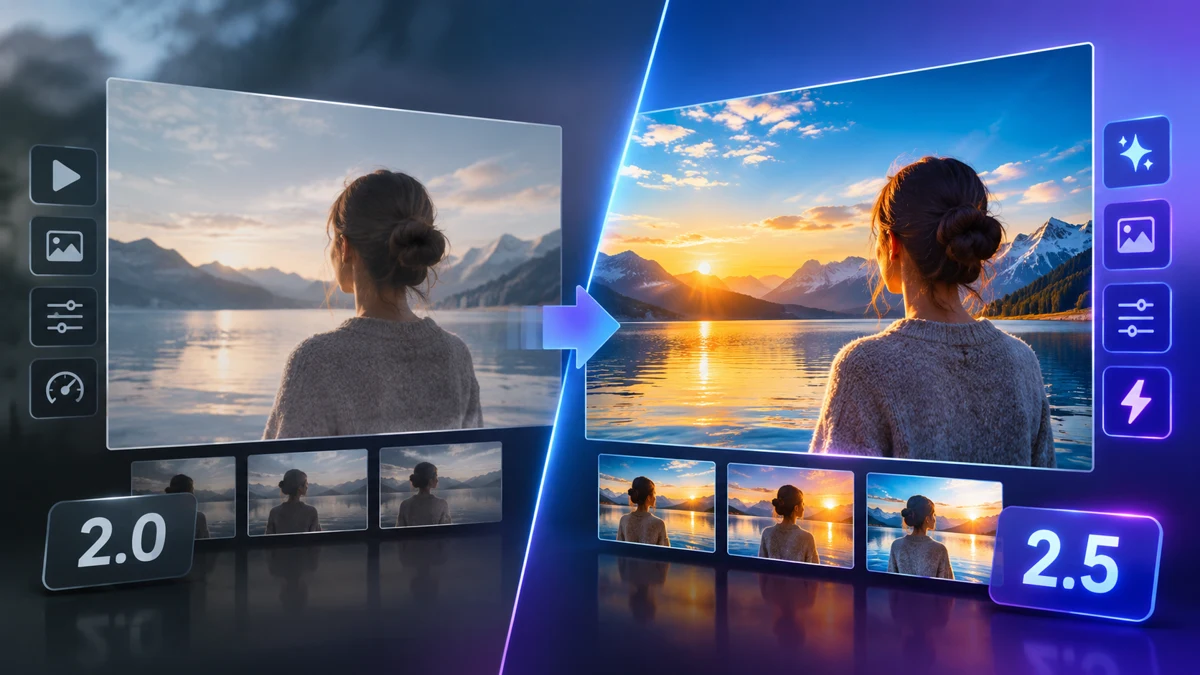
Choose between GPT Image 2 and GPT Image 2.5 by the output you need and the references you have. SeaDance does not expose every setting a developer might describe elsewhere. In particular, GPT Image 2 uses a fixed 1K, low-quality setup here; its text generation and image editing entries serve different input modes.
According to OpenAI’s official image generation guide, Flare is positioned for everyday generation and Sunburst for precise editing. Treat that as vendor guidance for choosing a starting point. It is not an independently measured quality ranking or a SeaDance delivery-time guarantee. The host settings and credit tables below determine what you can request here.
| Setting | GPT Image 2 | GPT Image 2.5 Flare / Sunburst |
|---|---|---|
| Size selection | Fixed 1K | 1K, 2K or 4K |
| Quality selection | Fixed low | Low, medium or high |
| Image inputs | Edit entry: up to 9; text entry: none | Up to 16 in Image to Image |
| Output formats | PNG | PNG, JPEG or WebP |
| Input modes | Separate text and edit entries | Text to Image and Image to Image |
| Result count | One per request | One per request |
Aspect ratios and size labels
GPT Image 2 accepts 1:1, 16:9, 9:16, 4:3, 3:4, 21:9, 3:2 and 2:3 on SeaDance. GPT Image 2.5 accepts auto, 1:1, 2:3, 3:2, 3:4, 4:3, 4:5, 5:4, 9:16, 16:9 and 21:9. Select the ratio in the controls; merely writing “portrait” in the prompt does not replace that selection. These are image choices; SeaDance video remains 16:9 only.
The 1K, 2K and 4K labels are output size tiers, not promises that every aspect ratio produces a square. Work backward from the composition: a square catalog photo, a portrait layout, or a wide scene. Leave useful room around the subject before requesting a larger file. For crop planning across other image families, use the separate image aspect ratio guide.
Complete quality and size price table
Flare and Sunburst have identical SeaDance credit prices for the same size, quality and reference count. Each row therefore applies to both variants. The editing column uses exactly one uploaded image. Additional references can change the quote, even when the size and quality stay the same. Integer rounding also means different settings can share a credit price.
| Variant / size | Quality | Text to Image | Image to Image, one reference |
|---|---|---|---|
| Flare 1K | low | 1 credit / $0.20 | 1 credit / $0.20 |
| Flare 1K | medium | 1 credit / $0.20 | 1 credit / $0.20 |
| Flare 1K | high | 2 credits / $0.40 | 3 credits / $0.60 |
| Flare 2K | low | 1 credit / $0.20 | 1 credit / $0.20 |
| Flare 2K | medium | 1 credit / $0.20 | 2 credits / $0.40 |
| Flare 2K | high | 4 credits / $0.80 | 4 credits / $0.80 |
| Flare 4K | low | 1 credit / $0.20 | 1 credit / $0.20 |
| Flare 4K | medium | 2 credits / $0.40 | 2 credits / $0.40 |
| Flare 4K | high | 6 credits / $1.20 | 6 credits / $1.20 |
| Sunburst 1K | low | 1 credit / $0.20 | 1 credit / $0.20 |
| Sunburst 1K | medium | 1 credit / $0.20 | 1 credit / $0.20 |
| Sunburst 1K | high | 2 credits / $0.40 | 3 credits / $0.60 |
| Sunburst 2K | low | 1 credit / $0.20 | 1 credit / $0.20 |
| Sunburst 2K | medium | 1 credit / $0.20 | 2 credits / $0.40 |
| Sunburst 2K | high | 4 credits / $0.80 | 4 credits / $0.80 |
| Sunburst 4K | low | 1 credit / $0.20 | 1 credit / $0.20 |
| Sunburst 4K | medium | 2 credits / $0.40 | 2 credits / $0.40 |
| Sunburst 4K | high | 6 credits / $1.20 | 6 credits / $1.20 |
| GPT Image 2 entry | References | One result |
|---|---|---|
| Text to Image | 0 | 1 credit / $0.20 |
| Image to Image | 1 | 1 credit / $0.20 |
| Image to Image | 9 | 3 credits / $0.60 |
Dollar estimates allocate purchased credits at Basic monthly: $29.90 for 149 credits, approximately $0.2007 per credit. They are not separate checkout prices. New accounts start with 0 credits. Check pricing before submitting; each quote below covers one result.
Use references for a defined purpose
For an edit, make the main product or subject image the clearest reference. Add another only if it answers a specific question, such as the intended background material or the correct side view. Conflicting lighting and different versions of the same object can make preservation ambiguous. More inputs expand the evidence but do not guarantee that every detail survives.
GPT Image 2.5 permits up to 16 image references; that is a limit, not a recommended starting count. Use Image to Image when an uploaded object must guide the result. Use Text to Image for a new scene without uploaded evidence. GPT Image 2’s text entry cannot accept those reference uploads; select its edit entry instead.
Choose a practical starting configuration
GPT Image 2 suits a small fixed-setting draft when you want a simple PNG result and can work within its reference limit. Flare at 1K suits layout exploration when you want to keep size and quality choices available. Sunburst suits an editing brief where object preservation is central, following OpenAI’s positioning. Compare your own output against the brief before assigning any model a recurring role.
For packaging, inspect the silhouette, printed wording and color rather than judging only the overall style. For a lifestyle scene, inspect whether the product sits naturally on the surface. Increasing quality or size does not fix a contradictory instruction. First clarify what changes, what stays, and what the final crop should include; then select the setting that fits the deliverable.
Keep vendor options separate from SeaDance options
According to OpenAI’s output customization documentation, its broader product supports quality choices beyond the familiar low, medium and high settings. Those extra quality choices are not available on SeaDance. This comparison uses only SeaDance’s listed choices and purchased-credit accounting. Do not infer a hidden quality mode from a vendor screenshot or assume a larger size changes the reference limit.
Frequently asked questions
Do Flare and Sunburst cost different credits?
On SeaDance, matching size, quality and reference count produce the same calculated credit price for both variants. Their names do not create an additional variant surcharge.
Is GPT Image 2 high quality selectable here?
No. SeaDance pins GPT Image 2 to 1K and low quality. The selectable low, medium and high controls in this comparison belong to GPT Image 2.5.
Why can an edit cost more than a new image?
Editing uses a different price schedule, and additional uploaded references can add cost. Compare quotes with the same input count rather than comparing only the model names.
Should I always select 4K high?
Choose it when the output size and detail requirements justify the quote. A composition draft can use a smaller tier; a larger setting does not guarantee faithful text or product geometry.
Sources
OpenAI: image generation models and uses · OpenAI: output customization
Related articles
Image aspect ratios · Product photo prompts · GPT Image 2.5 vs Nano Banana Pro